How To Build Local Citations Using An Outreach Spreadsheet Template
Learn how to build local citations with a structured outreach spreadsheet template. Standardize your NAP data, track submissions, and audit directory listings.
On This Page
Foundations of Local Citations and Search Visibility
Organizing a local citation outreach pipeline begins with establishing a centralized tracking spreadsheet before submitting data across external platforms. Local SEO citation building refers to the process of getting your business listed on online platforms, directories, and databases, as detailed in citation creation guidance [2]. Every citation records your business name, address, and phone number, commonly designated as NAP data. When external listings match these baseline records, search engines use consistent details as verification signals to validate your operating presence, according to local citation recommendations [1].
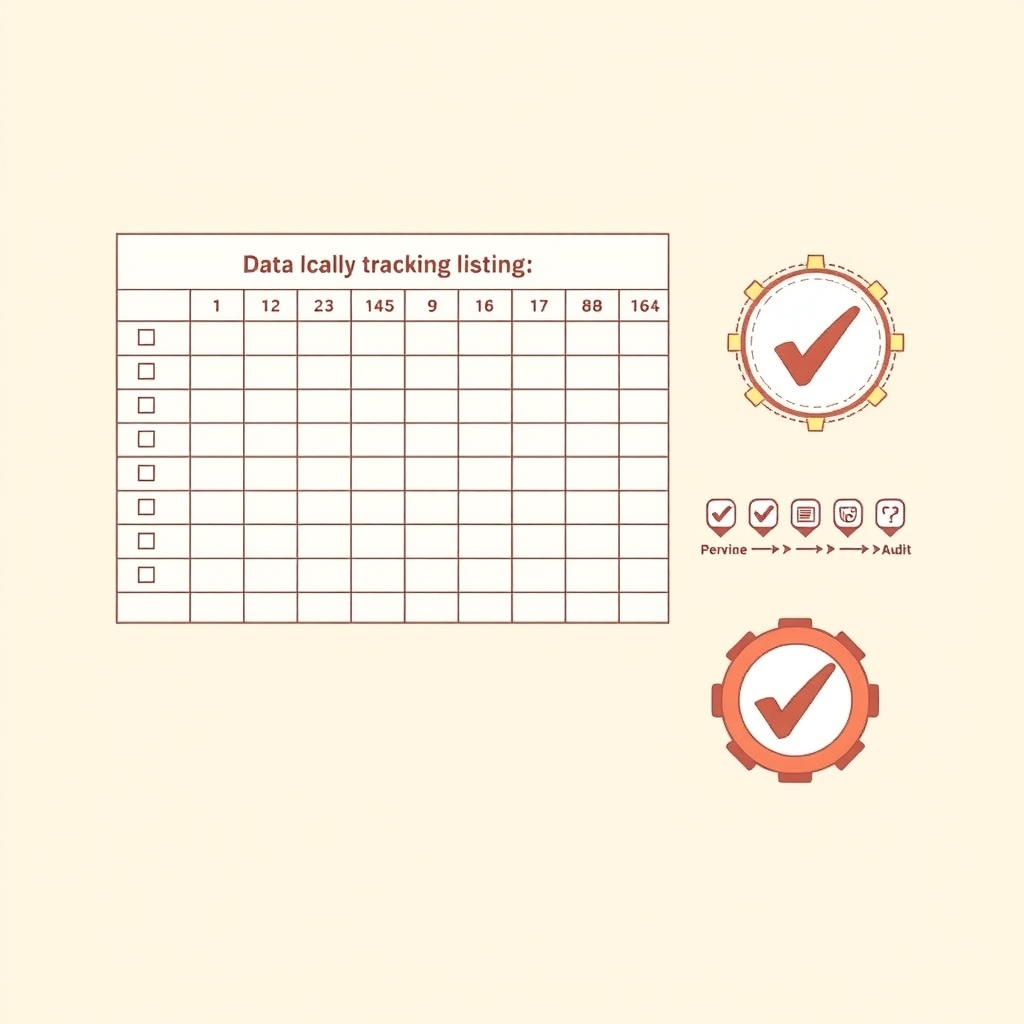
Citations generally appear in structured directories with dedicated contact fields, or as unstructured mentions within editorial copy. Establishing your Google Business Profile as the master blueprint record ensures uniform external submissions. A structured tracking template prevents duplicate outreach, logs submission dates, and tracks verification status across platforms.
| Tracking Field | Field Purpose | Operational Value |
|---|---|---|
| Target Platform | Directory name and submission portal | Identifies target sites and prevents duplicate submissions |
| Canonical NAP | Exact registered business name, address, and phone | Enforces identical contact text across external directories |
| Master Website URL | Target destination link including protocol | Prevents divergent redirect paths across profiles |
| Submission Status | Workflow stage such as Pending, Live, or Needs Review | Clarifies outreach pipeline progress across review queues |
| Recheck Date | Scheduled follow-up audit interval | Prompts scheduled verifications every 6 to 12 months |
As an illustrative workflow example, consider an outreach coordinator logging an entry for an online directory. Instead of relying on unverified memory, the coordinator copies the canonical NAP directly from the master baseline into the sheet alongside the specific portal link. Setting the status to Pending ensures team members do not submit redundant profiles during multi-week review queues, while the Recheck Date flags the entry for follow-up. Sustaining listing accuracy requires periodic reviews rather than one-time logging. Setting calendar reminders every 6 to 12 months to recheck all listings keeps external directory details synchronized as business phone numbers, operating hours, or physical addresses change over time. Readers ready for end-to-end campaign execution can collaborate with digital marketing services to manage auditing and ongoing directory maintenance.
Auditing Existing Business Listings and NAP Data
Before launching new directory outreach, inventorying your current footprint establishes a reliable baseline. Starting with a systematic citation audit involves identifying all existing citations for your business, checking each listing for accuracy and NAP consistency, and removing or correcting duplicates and outdated entries. Cleaning up current citations prevents sending mixed signals to search engines when automated crawlers encounter conflicting contact information across older web directories.
To manage this audit methodically, add dedicated verification columns to your spreadsheet tracking workflow:
| Discovered Directory | Listed NAP Record | Matches Canonical Baseline | Duplicate Flag | Remediation Action |
|---|---|---|---|---|
| Legacy YellowPages | Prior Suite Number | No | No | Update street address |
| Regional Chamber | Current Business Info | Yes | No | Mark verified |
| City Commerce Guide | Disconnected Landline | No | Yes | Request profile merge and removal |
Reviewing each discovered profile against your canonical baseline prevents legacy telephone lines or abandoned office suites from lingering online. When duplicate profiles appear within the same portal, log both distinct live URLs and submit an update or deletion ticket through the directory help portal. Flagging mismatched entries immediately distinguishes validated active listings from records that demand direct remediation.
Prioritizing High-Authority and Relevant Directories
Evaluating potential directory targets requires separating foundational high-authority platforms from low-value submission sites. Listing your business on high-authority platforms has a more significant impact on your local SEO compared to low-quality directories, as outlined in published citation guidance [2]. Major services such as Google Business Profile, Bing Places, Apple Maps, and Yelp serve as initial core repositories that establish broad geographical presence.
Beyond baseline general platforms, relevance dictates directory selection. Niche portals tailored to your specific trade and geo-specific listings, such as a municipal chamber of commerce, reach targeted audience segments that general aggregators miss. Balancing primary index platforms with regional and trade-specific hubs ensures your outreach covers both authority and local market context.
Tiered Directory Evaluation
To organize your target list, assign each prospective directory a priority tier inside your outreach log before beginning submissions.
| Priority Tier | Target Directory Type | Evaluation Criteria | Primary Objective |
|---|---|---|---|
| Tier 1: Core Authority | Major search and mapping services | Broad market visibility, strict phone verification | Establish canonical profile across primary discovery apps |
| Tier 2: Industry Specific | Trade associations, trade-licensed registries | Relevant category alignment, verified business credentials | Target customers searching for qualified service specialists |
| Tier 3: Geographic Community | Local chamber of commerce, municipal business hubs | Physical location within city limits, active community presence | Reinforce local geographic presence in your immediate area |
Evaluating prospective platforms by category alignment and community footprint keeps team resources focused on listings that actually serve prospective customers.
Structured Spreadsheet Tracking Architecture for Outreach
Systematic directory management depends on maintaining an accurate tracking repository before distributing business information across external databases. Establishing your verified Google Business Profile as the master record provides the blueprint from which secondary listings are built. Without a standardized architecture, manual submissions quickly fragment across platforms, creating conflicting phone numbers and unverified duplicates that undermine directory authority.
Tracking Field Architecture and Verification Checklist
A functional citation management sheet pairs static baseline identity data with dynamic workflow fields. The static segment stores your canonical record: official legal company name, exact physical street address, primary local phone number, and operating hours. Alongside these baseline fields, advanced tracking columns track operational execution: directory platform name, administrative account credentials, current submission status, live citation URL, and internal notes.
For an illustrative multi-location service firm such as regional auto body shops, tracking individual branch data clarifies location-specific discrepancies. If one portal requires suite numbers formatted on a separate line while another demands automated text verification, recording those requirements directly in the internal notes column prevents recurring validation errors.
Use this operational checklist to verify data hygiene at each stage of directory outreach:
- [ ] Confirm baseline records match the master Google Business Profile blueprint before starting any portal entry.
- [ ] Store unique account login emails and password manager references for every targeted portal.
- [ ] Log status transitions through distinct stages: Queued, Submitted, In Review, and Live.
- [ ] Verify the published citation URL directly in an incognito browser session to ensure public visibility.
- [ ] Document directory-specific verification quirks, such as postcard timelines or telephone PIN prompts, in internal notes.
| Verification Check | Pass Condition | Required Reference Data | Corrective Action |
|---|---|---|---|
| Baseline Record Consistency | Directory fields match canonical profile data exactly | Master record street address, company name, phone line | Overwrite directory draft with approved baseline values |
| Credential Governance | Dedicated administrative account and password logged securely | Outreach email handle, password vault record, profile ID | Reclaim profile or reset directory password before submission |
| Publication State | Citation URL is live, indexed, and publicly accessible | Published profile URL, directory search confirmation | Submit manual review ticket or contact platform support |
| Listing Duplication | Zero secondary profiles exist on target directory domain | Domain search query for telephone number and postal code | Request record merge or submit deletion request for legacy listing |
Executing Your Citation Pipeline and Next Steps
Active outreach requires moving directory candidates through defined pipeline stages rather than submitting forms at random. When an outreach coordinator opens a new batch of prospective platforms, recording each phase in your spreadsheet prevents duplicate entries and missed verification emails. Consider an illustrative workflow tracking model where directory targets progress through explicit operational gates:
| Pipeline Stage | Operational Trigger | Tracking Fields Logged | Verification Action |
|---|---|---|---|
| Queued | Directory passes relevance checks | Target portal URL, submission guidelines | Prepare canonical address and category details |
| Submitted | Application form completed | Submission date, verification email address | Monitor email inbox for confirmation links |
| In Review | Editor or portal queue processing | Confirmation ticket number, expected turnaround | Schedule a calendar reminder for rechecking |
| Published | Listing approved and live | Final canonical public URL, live verification date | Inspect page in incognito mode for accuracy |
Reviewing the tracker on a set weekly schedule keeps pending listings from falling through the cracks. If a directory listing remains unapproved after thirty days, log a follow-up inquiry using your recorded ticket reference. Following a structured logging routine ensures your team builds a solid, long-term citation framework across external business directories.
Scaling Outreach and Professional Support
Maintaining data hygiene across dozens of external listings demands steady operational attention. Teams with limited internal bandwidth often face a choice: manage manual submissions on an ongoing weekly basis, or delegate multi-platform distribution to dedicated specialists. For organizations seeking broader campaign execution alongside listing management, specialized digital marketing services handle technical distribution, ongoing profile optimization, and monthly data validation. Professional management allows internal staff to focus on customer service while specialists resolve conflicting records and manage directory correspondence. To review an existing directory footprint or schedule an initial listing audit, contact digital corvids to coordinate your outreach strategy.
Sources
Related Services
Turn This Strategy Into Execution
Explore the Digital Corvids services that connect most directly with this article.
Share this article
Spread the knowledge